Assistive Access vs Guided Access
One family wants an iPhone for simple daily calls and selected websites. Another person needs an iPad temporarily locked to a communication app during a session. Both requests sound like “make it simpler”, but they describe different jobs for the device.
Assistive Access vs Guided Access is not a contest between two levels of simplicity. The useful question is whether the person needs an ongoing clear setup or a temporary restriction to one app.
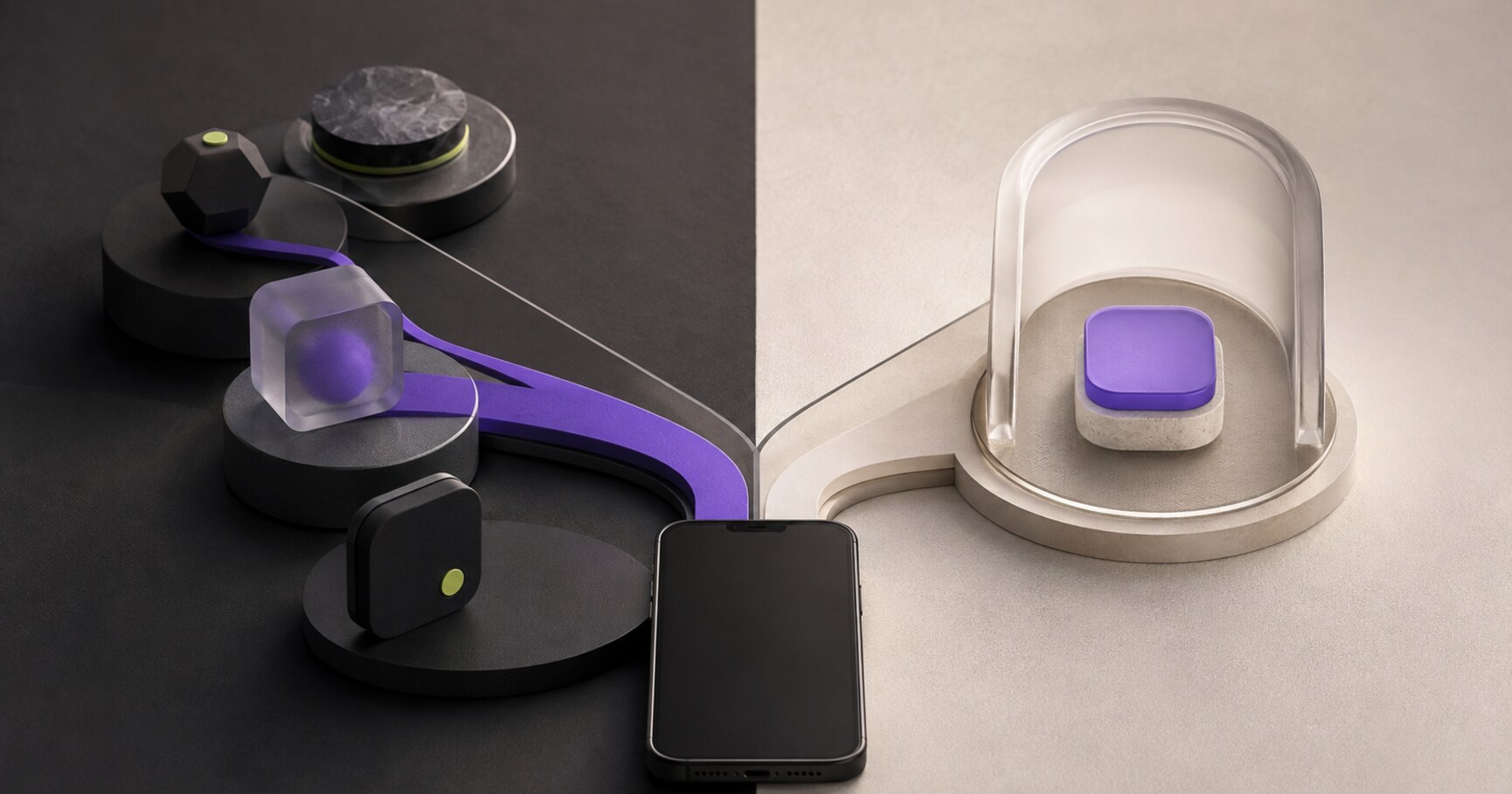
Assistive Access vs Guided Access: choose the ongoing experience carefully
Assistive Access is relevant when the device should present a focused, repeatable experience across selected apps and tasks. Start with the person’s routine and decide which actions belong there. The mode changes the everyday route, so test recognition and recovery.
Use Guided Access for one temporary activity
Guided Access is suited to a session where the device should stay in one app for a limited purpose. The need may be a lesson, communication activity or focused interaction. The key word is temporary: it should not be treated as the general home experience for every task.
Compare the real user journey instead of the feature names
- How long should the restriction or focus last?
- How many apps are part of the task?
- Who needs to recover the device afterward?
- What should the person recognise without help?
Answering these questions is more reliable than choosing the feature that sounds most accessible in isolation.
Protect recovery without removing independence
Define the return path and the support responsibility before turning on a mode. Keep passcodes and settings protected, but make the ordinary task understandable to the person who performs it. A locked device is not automatically a usable device.
Add websites only when their route is suitable
If the ongoing task includes trusted websites, test the page, shortcut and return path together. A focused mode can reduce choices before a page opens, but neither mode can repair a site whose content or controls remain confusing.
The correct choice is the one that matches duration, number of apps, support needs and the person’s actual route.
Practice the idea on one real example
Describe one task that happens repeatedly and one that should end after a session. For each, write the number of apps, expected duration and safe way back.
Map the first three actions without naming a feature. Then compare the map with Assistive Access and Guided Access documentation and record which constraint decides the choice.
Test the chosen route with the actual user or scenario. Keep the boundary visible if the site, app or recovery path needs separate support.
Leave with: a short decision table showing whether the task needs an ongoing simplification or a temporary lock.
Before you move on
- Is the need ongoing or temporary?
- How many apps belong to the task?
- Who owns recovery after the session?
- What should the person recognise without help?
Kiosk Web Launcher adds large shortcuts, fullscreen browsing and protected settings.
Explore Kiosk Web Launcher →